






01 · LabelingIn every plan
Every item gets a label
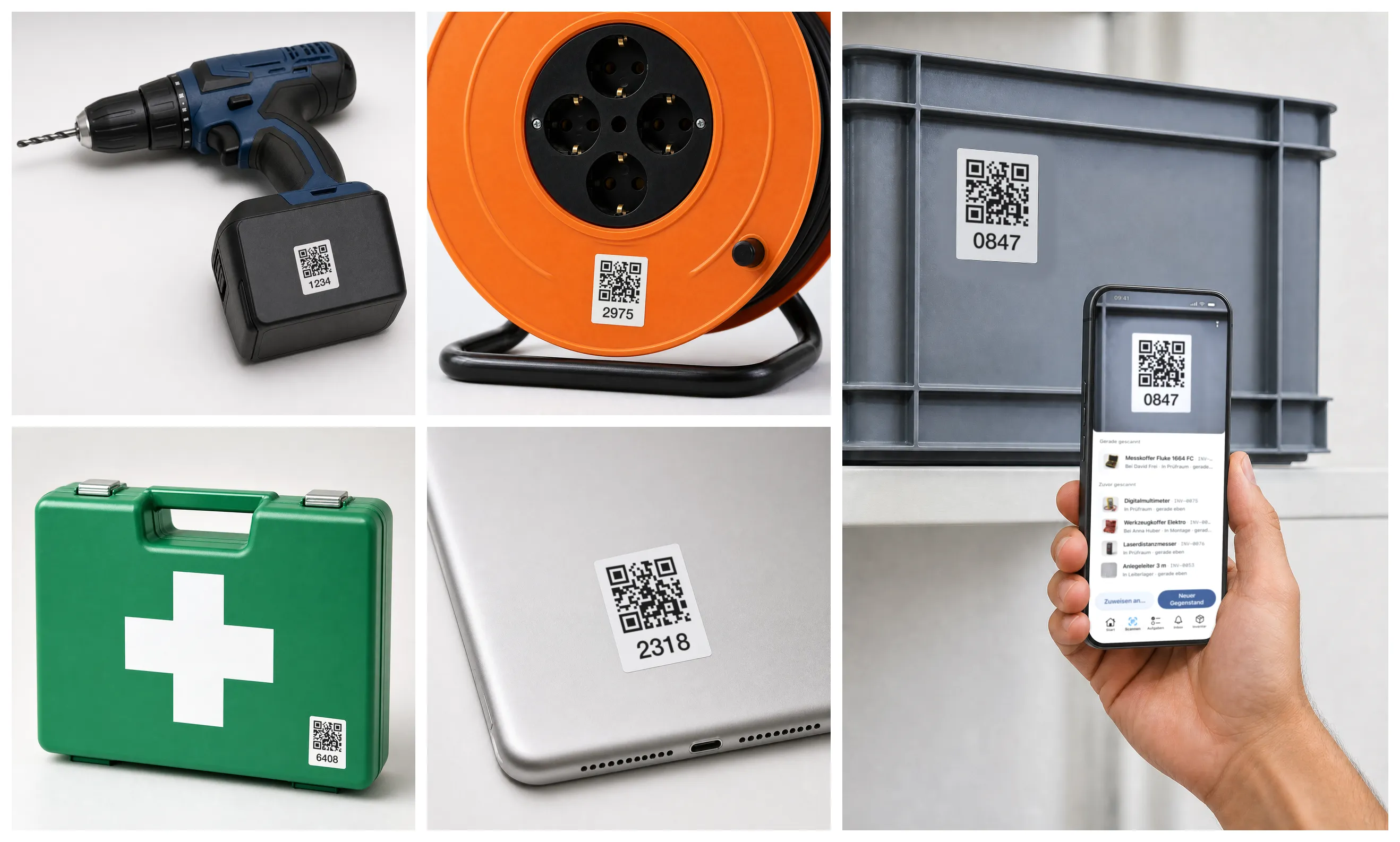
- Stick the labels on — Pre-printed from us or straight from the app.
- Just scan — Opens the item: who has it, where it is, since when.
- For the whole team — Everyone scans with their own phone.
Tool tracking for trades businesses
Joinery, metalwork, electrical or plumbing and heating: your fitters book tools to themselves or the van with one scan and report a broken one right at the tool. We move your existing tool list over for free. From CHF 29€29£29$29 per month.
Every feature, with up to 50 of your own items. No credit card.
On the same site for weeks? Go to the construction page →
Trades
Where's the laser? Is the angle grinder still OK? Any grinding discs left? Three questions, every working day.
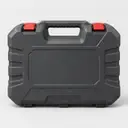
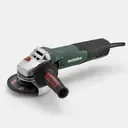
Luca is off to a customer. Scan the case and the grinder, tap Service van 2: both are booked to the van.
Whatever is in the case goes with it, the laser too.
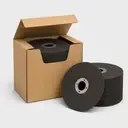
He takes two boxes of grinding discs. Now stock is low, and Urs knows.
Into the van, off to the customer.
WZ-0087WZ-0114Urs looks for the laser. Without ringing round, he sees it: in the tool case, in Service van 2.
In the evening the van is back. Two scans, tap Stores: everything is back in its place.
The grinder's guard is cracked. Luca reports it right at the scan, and the grinder is set to Defect.
WZ-0087WZ-0114WZ-0087Home time. Urs sees what's back, what's broken and what's running low.
The laser is back, the grinder reported, the discs on the list. One look is enough.
Start freeThree vans, three fitters, one group chat, and nobody finds the core drill.
On Friday the drill had a note on it: broken. On Monday it's out on a job again.
Two are out on a job, one is in a van. The inspection starts with a search, and the record is somewhere on paper.
01 · LabelingIn every plan
02 · OverviewIn every plan
03 · Check-out & returnIn every plan
04 · Maintenance & inspectionFrom Premium
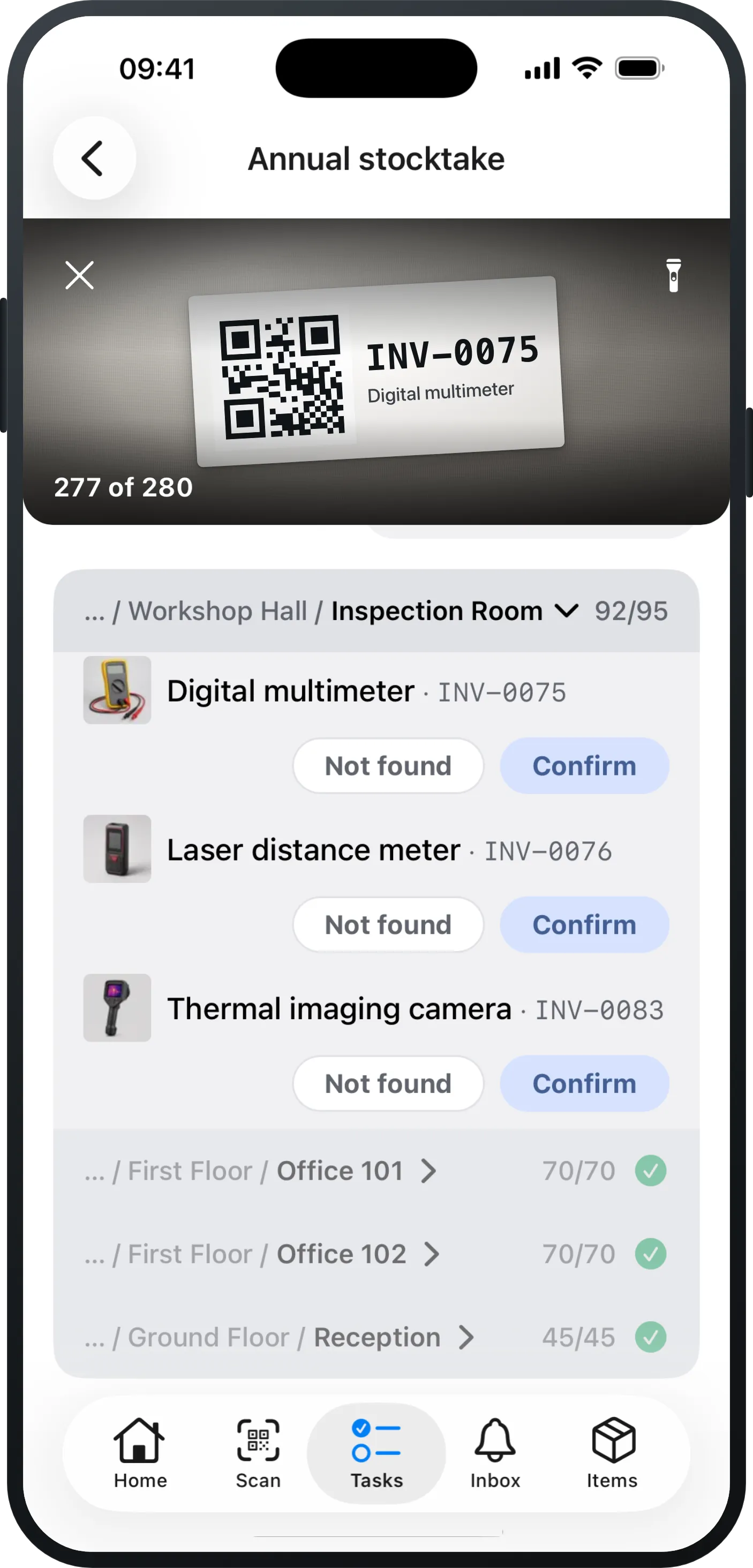
05 · StocktakingFrom Pro
06 · Defect reports & ticketsFrom Pro
07 · Excel importIn every plan
Battery system for drills, inspection date for ladders: your list shows what you need.
12 identical cordless drills, described once: each one still stands on its own in your list.
Case, cart, crate: contents follow the container — lend and move it as one.
An order instead of a phone call: “I need a drill” lands with you as an order.
Grinding discs, drill bit sets, safety glasses: counted, handed out, topped up in time.
What matters by email or push, the rest waits in the app until you have time.
Any view as Excel or CSV, any time: your data stays yours.
Who had what, when? Every handout and return is in the item’s history, with person and time.
Unlimited users at no extra cost — from the apprentice to the boss.
See it on your own tools: one van, one case — then you will know whether it fits.
Every feature, with up to 50 of your own items. No credit card.
Joinery, metalwork, electrical or plumbing — what counts at the end of the year:
Know what's in stores and in every van — stop buying duplicates. Replacements backed by stock, not guesswork.
Every tool assigned to a fitter or a van — who had it last is in the history.
Your data stays yours: export to Excel/CSV anytime, in full. Even if you switch providers.
Public pricing, unlimited users. Fitters and apprentices who scan and report cost nothing extra.
Upload, confirm the columns, done. If you prefer, we take it over free of charge.
Labels from us or from your printer. One van first, the rest whenever you like.
Invite your team by link, everyone scans. Who has what, you see without asking round.
Per 1,000 items or part thereof, unlimited users in every plan.
Example: 2,500 items on Pro cost CHF 207€207£207$207 per month.
CHF 29€29£29$29
per month per 1,000 items
The complete Excel replacement for everyday work.
CHF 69€69£69$69
per month per 1,000 items
For organisations with processes: stocktaking & tickets.
CHF 119€119£119$119
per month per 1,000 items
For firms with inspection duties and their own IT.
Test it with your own items: free up to 50 items, no credit card. Once you add more, pick a plan.
In the free test with up to 50 items, you can try every feature.
| Feature | Essential | Pro | Premium |
|---|---|---|---|
| Inventory & everyday use | |||
| Items, categories & custom fields | Included | Included | Included |
| Item models for identical devices | Included | Included | Included |
| Check-out & return by scan | Included | Included | Included |
| Scanner & printable QR labels | Included | Included | Included |
| Excel import with AI column mapping | Included | Included | Included |
| Export (Excel/CSV), any time | Included | Included | Included |
| Saved views & dashboard | Included | Included | Included |
| Item history & activity feed | Included | Included | Included |
| Quick photo capture (drafts) | Included | Included | Included |
| Processes | |||
| Stocktaking in the app | Not included | Included | Included |
| Defect reports & tickets | Not included | Included | Included |
| Orders & reservations | Not included | Included | Included |
| Quantity items & minimum stock levels | Not included | Included | Included |
| Receipt confirmation | Not included | Included | Included |
| Organisation & IT | |||
| Maintenance plans incl. checklists | Not included | Not included | Included |
| Kit lists for vehicles, cases & bags | Not included | Not included | Included |
| Single Sign-on (Microsoft / Google) | Not included | Not included | Included |
| Directory sync | Not included | Not included | Included |
| API & integrations | Not included | Not included | Included |
| Advanced roles & permissions | Not included | Not included | Included |
In the free test with up to 50 items, you can try every feature.
Exactly what this page says: per 1,000 items or part thereof, unlimited users, no hidden modules. Example: 800 devices cost CHF 29€29£29$29 per month on the Essential plan. If your inventory grows past 1,000 items, the subscription adjusts automatically — you're notified by email first, and nothing is charged before your next invoice.
See pricing →Every object you track individually — a drill, a projector, a chair. Anything you track as a quantity also counts as one item: 40 barriers are one item, not 40.
Yes — every feature, with up to 50 of your own items, no credit card. Nothing gets lost, and nothing stops working: lending, stocktaking, editing, tickets — everything keeps running. Only new items beyond the 50 can't be added any more — that's the moment to upgrade: pick a plan, keep working, everything stays as it is.
Inventories below roughly 250 items. There, most teams keep track just fine with a spreadsheet — knowing who has what, what's missing and what's due only gets hard with more equipment. If scanning instead of searching is still worth CHF 29€29£29$29 a month to you, we'd be glad to have you. Above that, you're exactly who we built this for.
One afternoon: import, labels, invite the team. Nobody needs training — anyone who can scan a QR code can check out items and report defects.
Docs: getting started →Yes — upload an Excel or CSV file, the AI maps the columns, you review and confirm. And every view exports back out completely, any time.
Docs: import & export →No scanner hardware needed: a phone camera and the browser are enough, and you print QR labels yourself — or order them pre-printed from us. The app is available for iOS and Android.


Yes. You can assign an item to a site, a vehicle or the store room, just like to a person: whoever takes it there scans the QR code and books it to that place. The app then shows where it was last booked.
Yes: inspection and service intervals per item, with reminders and a record of what was done. If an inspection is overdue, a warning appears before anyone is handed the item. Maintenance is included in the Premium plan.
More on maintenance →On servers in Europe. All providers and locations are listed on the Trust & security page.
See Trust & security →Every view exports completely as Excel/CSV, any time. You can cancel any time, effective at the end of the current billing month — in the app or by email. Whether you cancel or downgrade, everything stays stored, stays in your export and keeps working; features your plan no longer includes come back the moment it does. Nothing is deleted.
Docs: import & export →Everyone: users are unlimited on every plan, at no extra cost. Four roles cover permissions — from read-only viewer to owner — and responsibilities for tickets and orders are granted per person. Single sign-on and directory sync are available on the Premium plan.
Support by email to kontakt@mangoinventory.com. You get a personal answer — no anonymous ticket system.
Thanks! Your question has arrived. You'll get a personal answer at .
All features from day one — no sales call required.
Every feature, with up to 50 of your own items. No credit card.